
WiFi Analyser
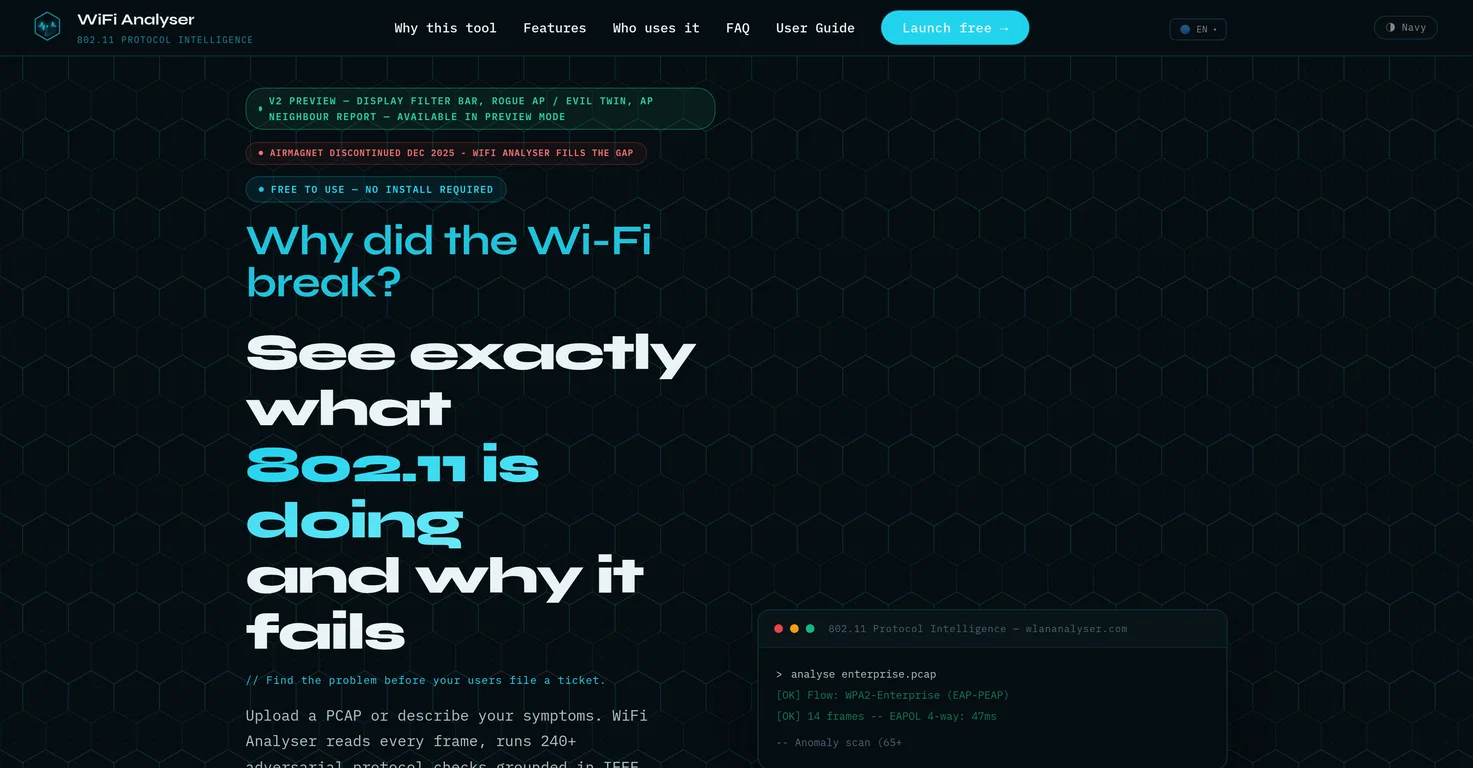
WiFi Analyser is a free browser-based utility that offers in-depth analysis of 802.11 protocols, delivering AI-backed diagnosis of potential network issues.
Designed with a foundation in IEEE 802.11-2020 and MITRE CVE data, it helps identify issues right at the frame level. Users can upload a PCAP file or describe their networks symptoms to receive an instant root cause diagnosis.
WiFi Analyser aims to replace the complexity experienced with alternatives like Wireshark, and it doesn’t require installations, license keys or expiry dates.The tool completes over 240 adversarial protocol checks, reviewing each frame to identify anomalies, vulnerabilities, and offer potential fix commands.
With the ability to work entirely within a web browser, the data analyzed is never stored, ensuring user privacy.An additional symptom mode is also available for problem diagnosis when no PCAP is present.
While packed with rich features, including deep frame decoding, AI root cause engine, comprehensive security checks, and browser-only privacy features, it remains accessible to users of every AP brand, making analyzation and issue resolution instant and hassle-free.WiFi Analyser prides itself on its offensive-first detection model, viewing the users data capture as a potential attacker would, identifying vulnerabilities such as an offline-crackable handshake, unprotected management frames, and downgradeable cipher suites.An important note is that this tool is equally privacy-focused in addition to being powerful, all data is processed in-memory and discarded post-analysis, ensuring user data is never kept.
Pros and Cons
Pros
In-depth 802.11 protocol analysis
Foundation in IEEE 802.11-2020
MITRE CVE data
PCAP file or symptom-based diagnosis
Cons
Browser-based limitations
Dependent on internet connection
No offline functionality
Limited to 802.11 protocols
No inbuilt RF signal strength/heatmap
What is WiFi Analyser?
WiFi Analyser is a browser-based utility that offers comprehensive analysis of 802.11 protocols. It uses AI-backed diagnostics to spot potential network issues, identifying the root cause at the frame level. Users can upload a PCAP file or describe their network symptoms to receive an instantaneous diagnosis. It is a robust tool that works primarily in the user’s browser, ensuring user privacy by not storing any analysed data.
How does WiFi Analyser analyze PCAP files?
WiFi Analyser examines PCAP files using AI-based diagnostics. It conducts over 240 adversarial protocol checks, examining each frame for anomalies and vulnerabilities. It can associate identified issues with a potential root cause and provide potential fix commands. This exhaustive assessment allows WiFi Analyser to identify nuanced problems and provide solutions swiftly.
What is the offensive-first detection model used by WiFi Analyser?
WiFi Analyser’s offensive-first detection model looks at the user’s data as a potential attacker would. It works to spot vulnerabilities such as unprotected management frames, downgradeable cipher suites, and even an offline crackable handshake. This method allows for proactive issue identification, with the aim to thwart potential attacks and ensure network security.